Lead capture & contact mapping
Define fields, consent, source attribution and how existing contacts should be matched.

Map what should happen when a customer enquires, books or buys. We review the existing HighLevel location, forms, sales stages and workflows before adding new configuration, so the website supports the team’s actual process.
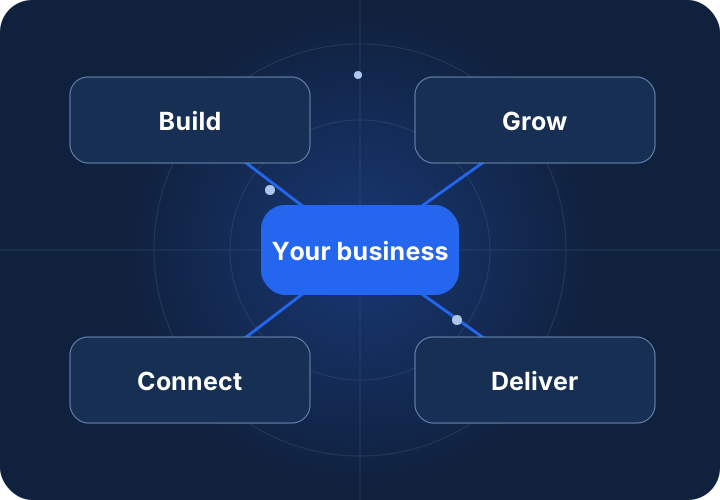
The following workstreams inform your proposal. The agreed deliverable list defines what is included; they are not an automatic package bundle.
Define fields, consent, source attribution and how existing contacts should be matched.
Map enquiry intent to an appropriate pipeline and stage, ownership and opportunity duplicate rules.
Review calendars, availability, notifications and separate permissions for enquiry responses and marketing.
Specify trigger conditions, exclusions, follow-up stops and reporting fields; test before activation.
Workflow illustration. Application connections and automation are verified separately before activation.
Access, compatibility, provider terms and acceptance testing determine what can be connected. No new subscription is assumed.
Review goals, users, content, data and system access. Agree a dated milestone plan after discovery. Complexity, dependencies and review turnaround determine the schedule; no unverified fixed delivery time is promised.
Receive a proposal with deliverables, exclusions, responsibilities and acceptance criteria. Provider fees, licenses, media spend and ongoing support are separated where applicable.
Compare Launch, Grow, Scale & custom scope ↗Review on an isolated environment, test the agreed scenarios and approve the release separately. Handover, maintenance hours, response expectations and change requests are defined in the support agreement.
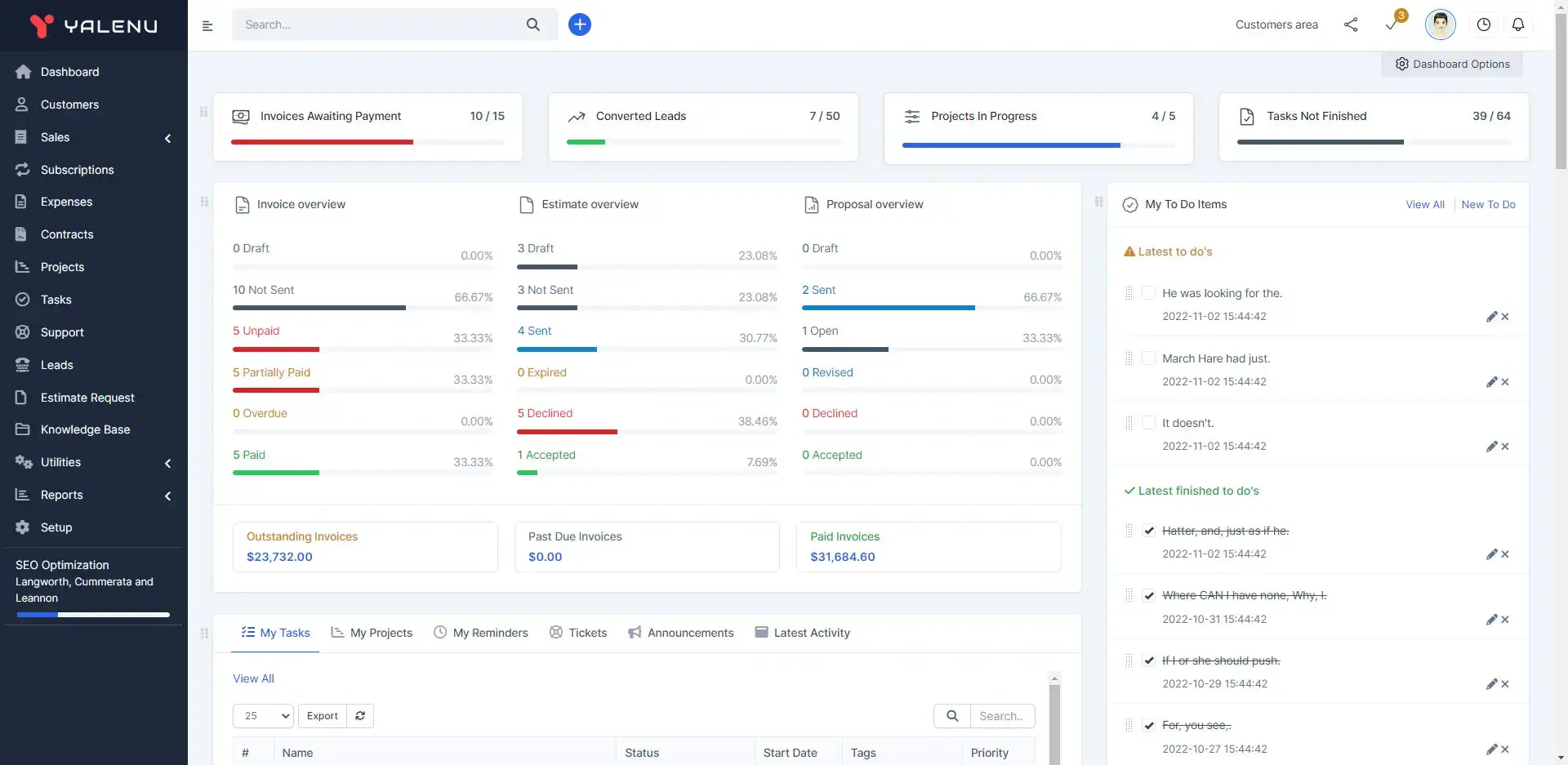
Published CRM project with dashboard, contact and pipeline interfaces. Scope lists web/mobile development and website management.
This example shows published scope, not proof that all connections described on this page were implemented. Testimonials are published only when approved.
Explore the project ↗Questions specific to CRM & Business Automation.
We review the existing process first. Migration or replacement needs a separate scope and data reconciliation plan.
Agree email/phone matching rules, use an approved upsert path and check existing open opportunities before creating another. Conflicting identities require human review.
Online scheduling is being finalized. Use Get a Quote to share your requirements and arrange a conversation.
Only after approved triggers, consent and channel settings pass isolated tests. Existing workflows can trigger on record updates, so live writes are not used casually.
We map supported click/source fields and consent requirements. An API-created contact does not automatically reproduce every native attribution behaviour.
Public pages show service guidance only. Credentials, client records and internal workflow configuration are not embedded.
The proposal lists forms, fields, pipeline stages, calendars, workflow changes and acceptance tests. Message charges and account subscriptions are separate.
A named owner reviews trigger changes, exclusions, failures and reporting. Ongoing work is agreed as support rather than presumed unlimited.
Tell us where you are today. We’ll help you plan what comes next.